 LostHub
Home / How it works
Lost something?
Here is what to do.Found something?
Here is how to return it.
Eight short steps from signing in to closing your listing.
Eight short steps from signing in to handing it over. A secret question lets the owner prove it is theirs before you chat.
Show the steps for:


The steps
- 01
Sign in with Apple or Google
Use the account you already have. No new password to remember.
- 02
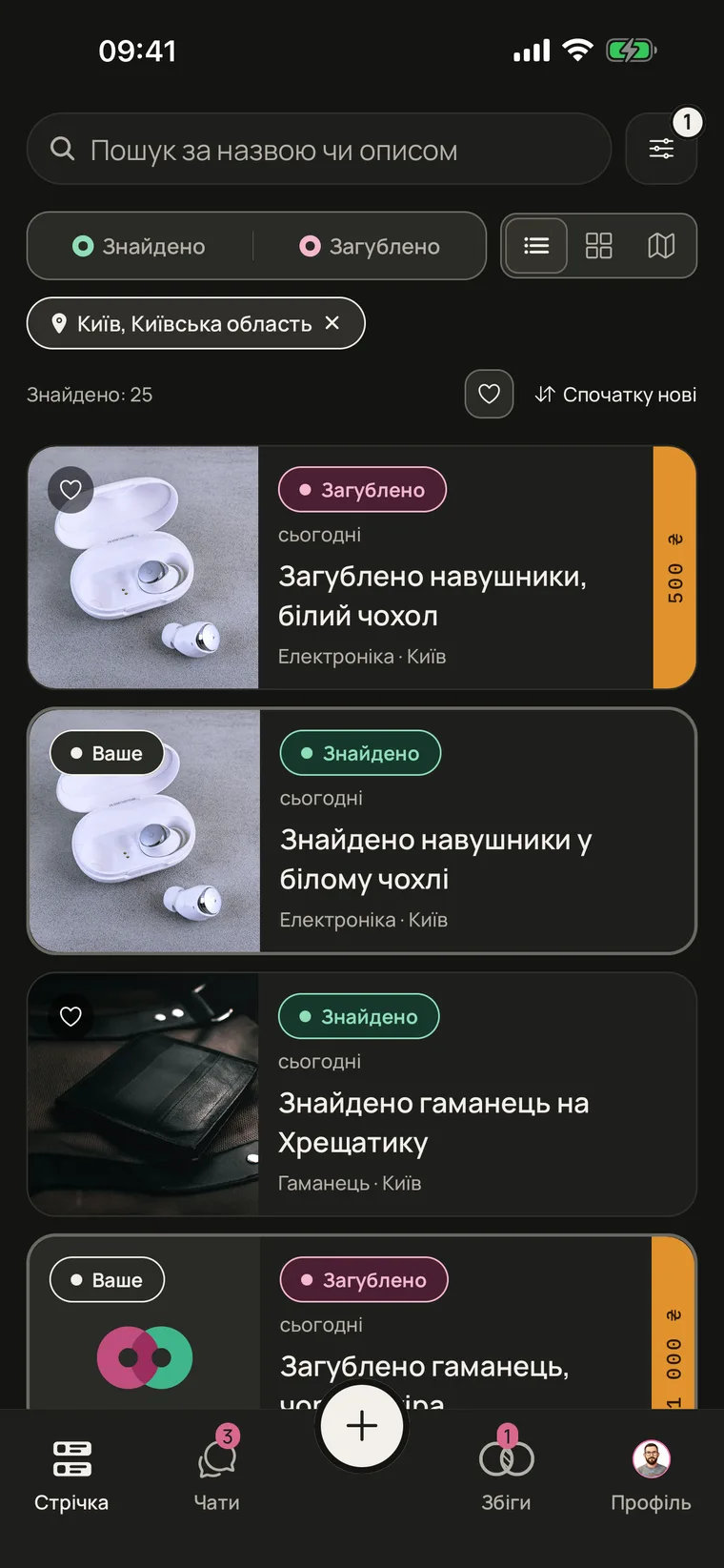
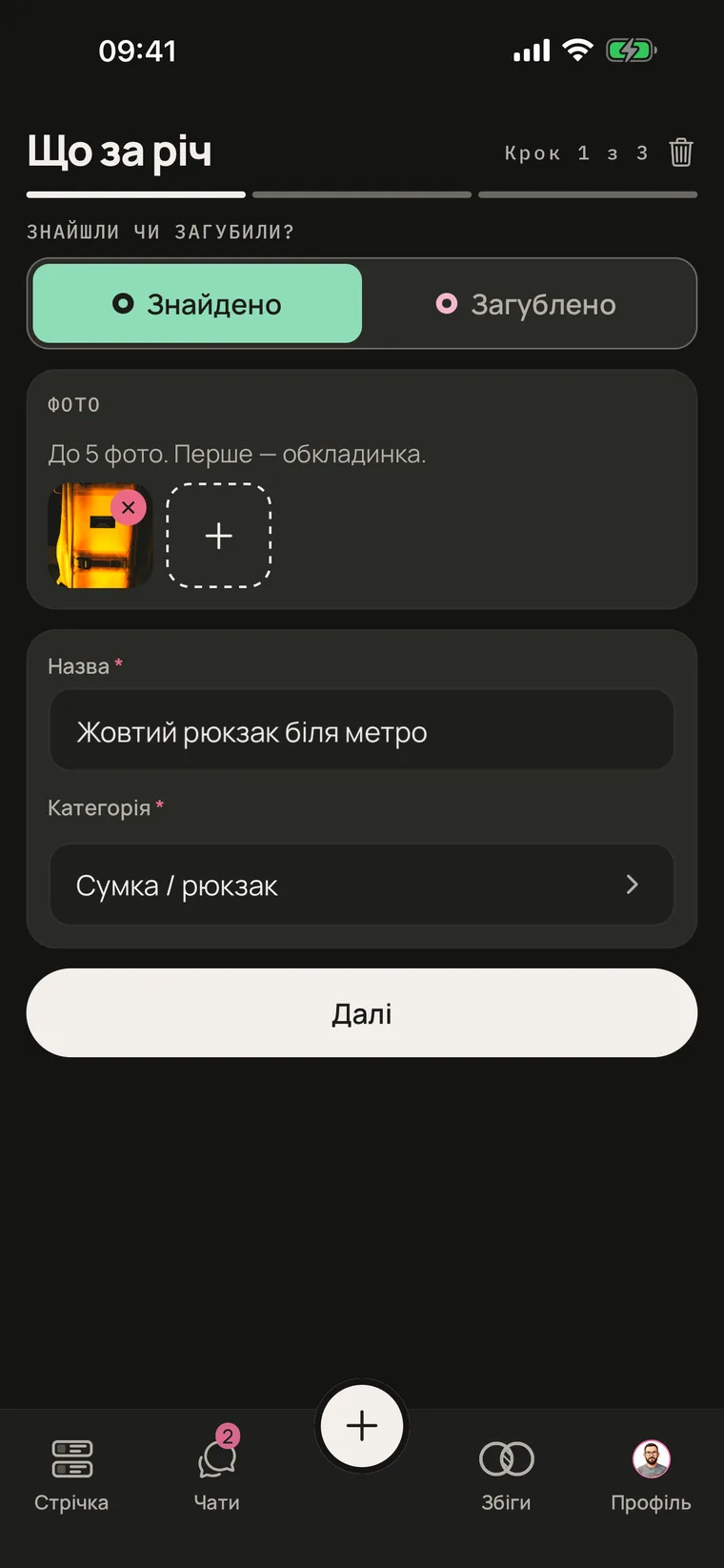
Describe what you lost
Add a photo if you have one, pick a category and write the few words a stranger would recognise.
- 03
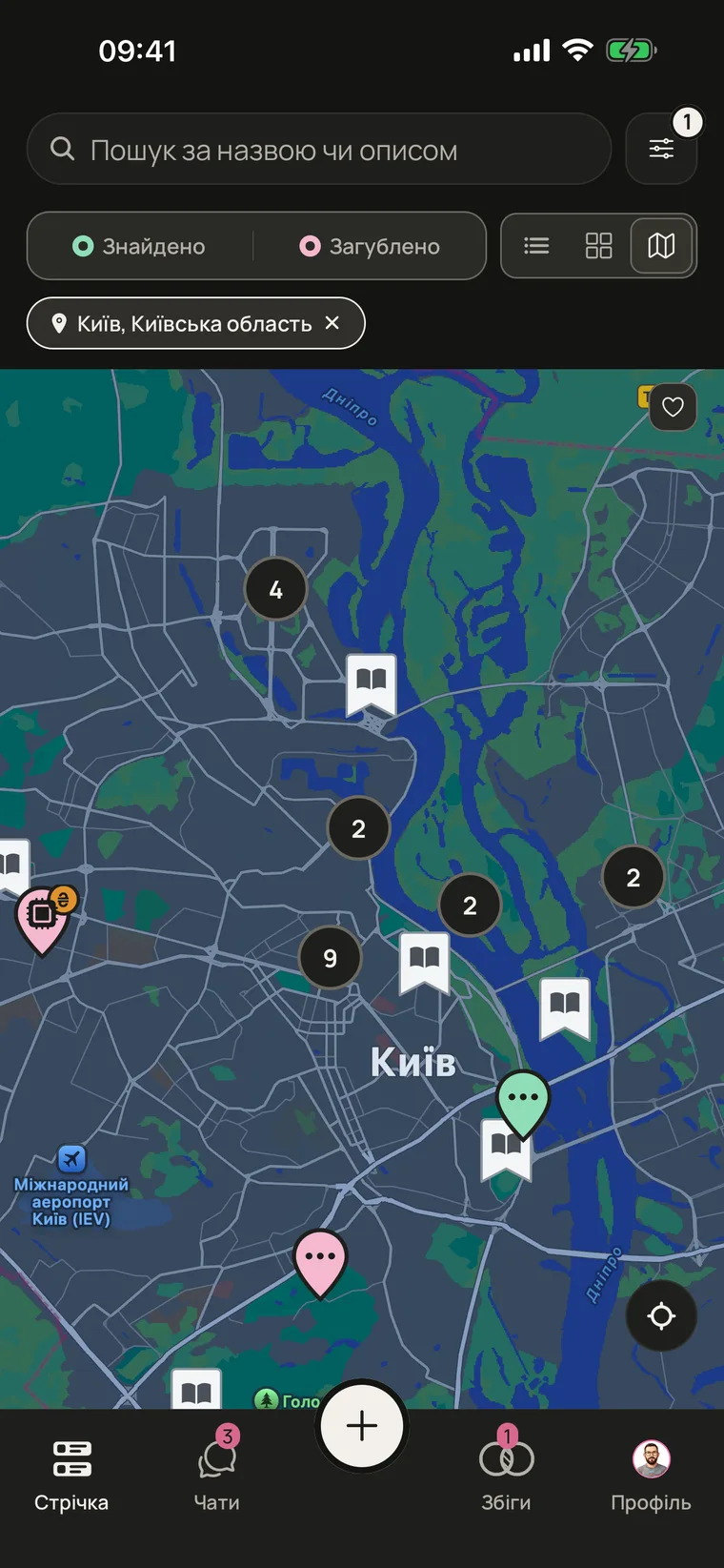
Mark where and when
Pick the town, or drop a pin where you last had it, and the day if you know it. The rough area is enough.
- 04
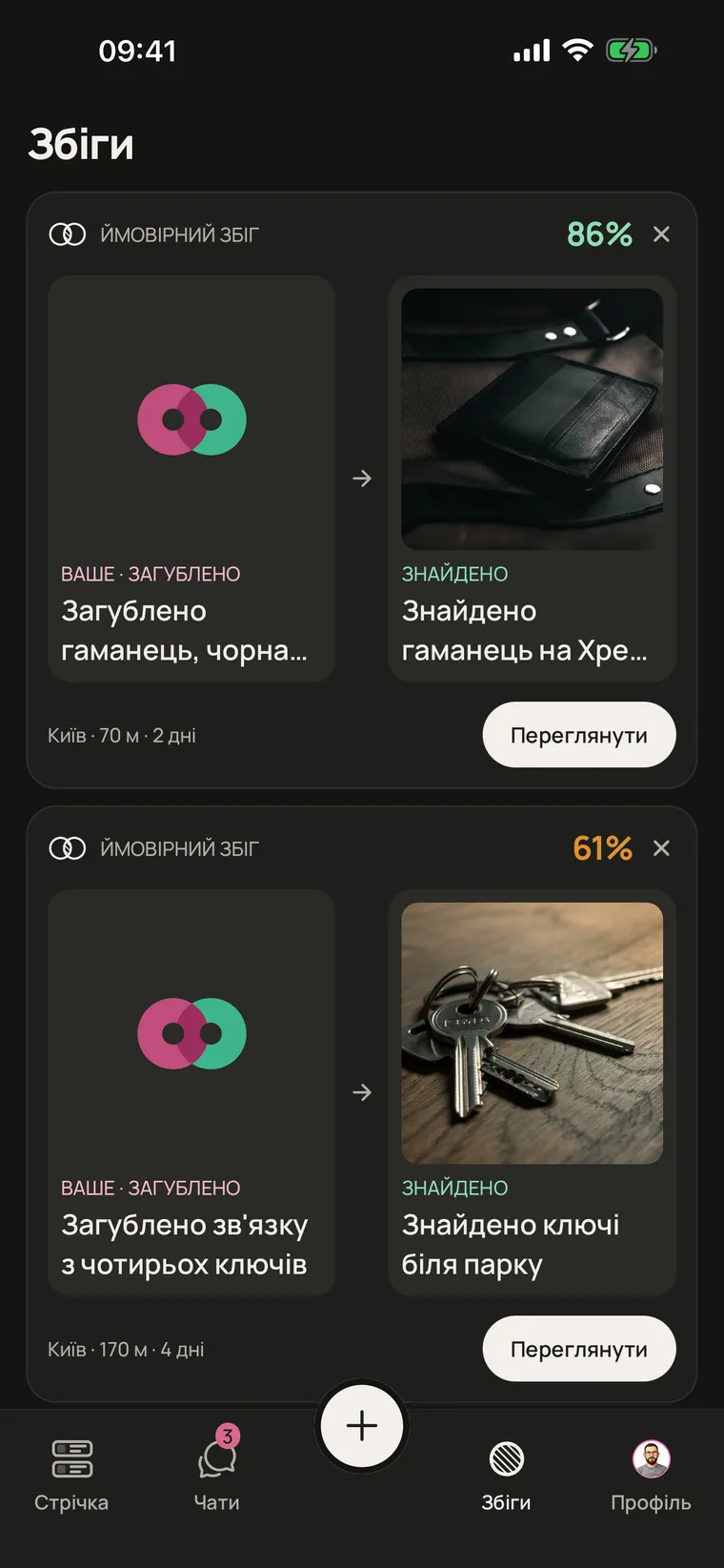
Check your matches
LostHub looks for found items nearby that look like yours and tells you when one appears.
- 05
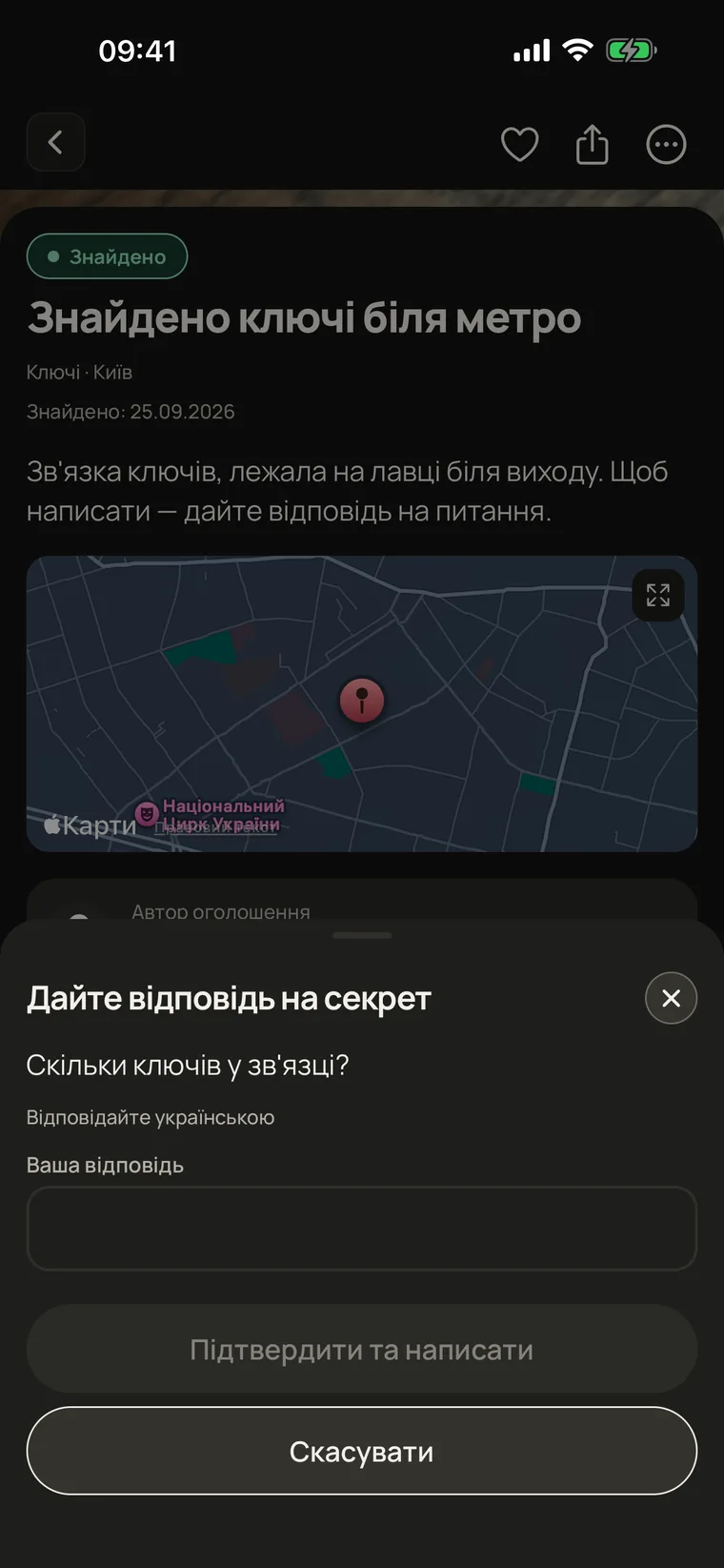
Answer the secret question
If the finder has set one, answer it. Get it right and the chat opens.
- 06
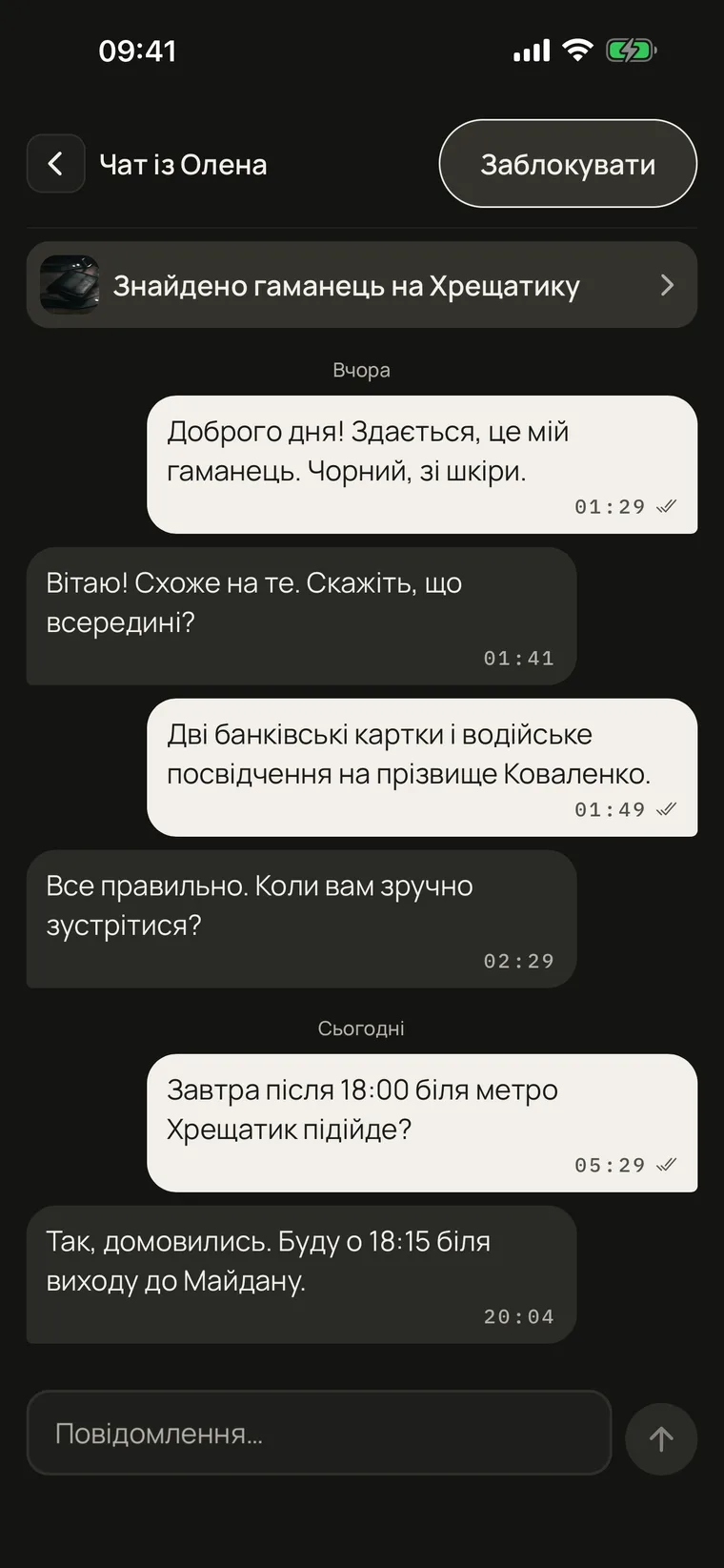
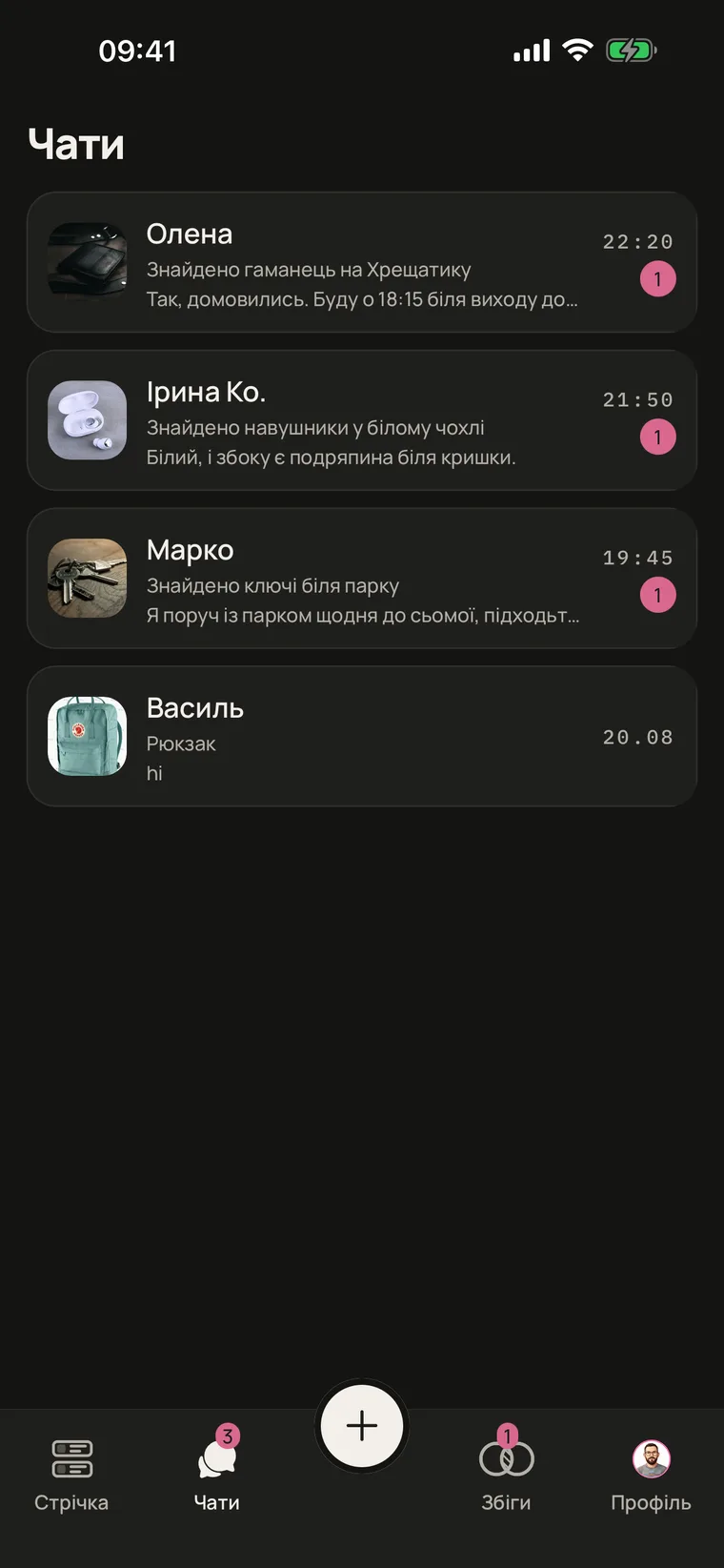
Talk in a private chat
Agree on when and where to meet. If you write in different languages, messages are translated.
- 07
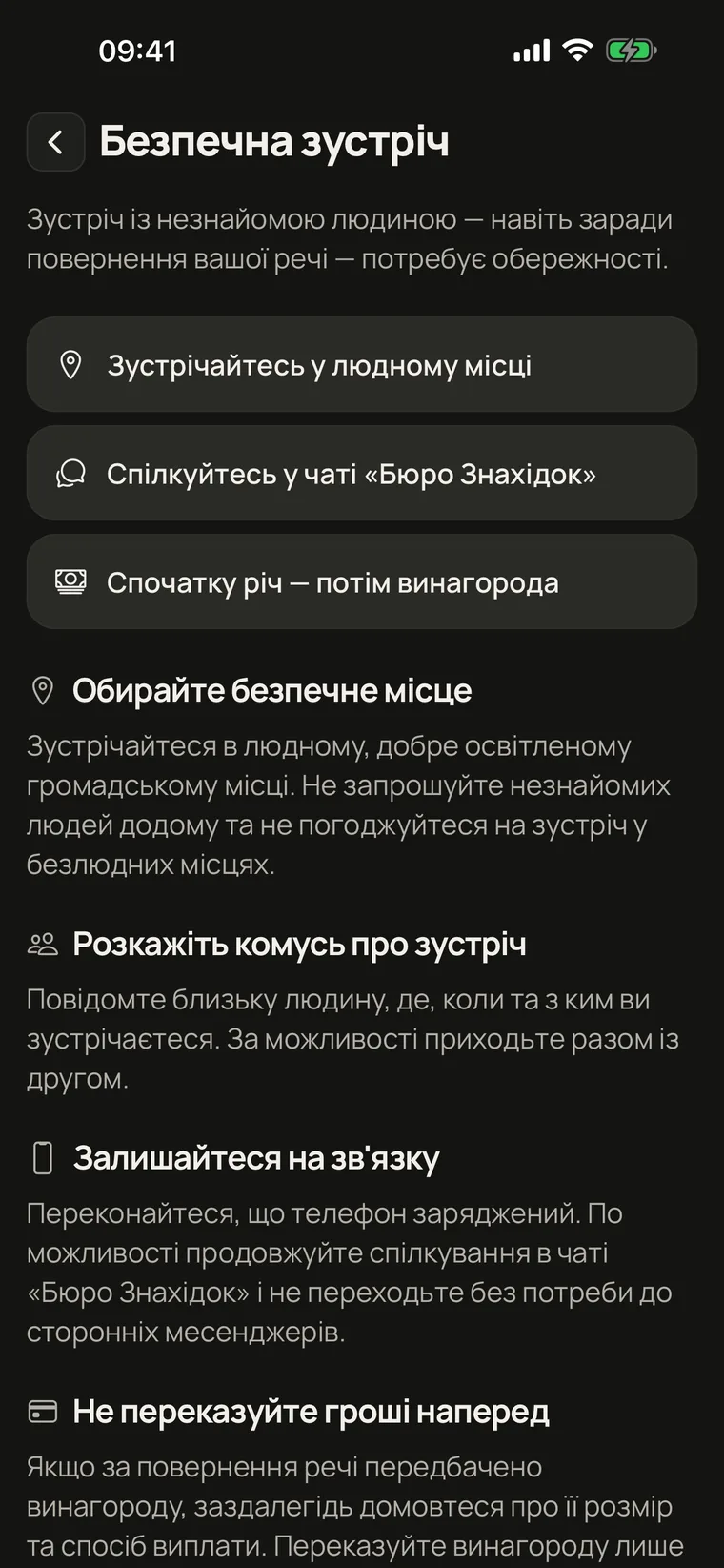
Meet somewhere safe
A busy, well-lit public place. Tell someone where and when you are meeting.
- 08
Close the listing
Got it back? Mark the listing as returned so nobody keeps looking.
- 01
Sign in with Apple or Google
Use the account you already have. No new password to remember.
- 02
Photograph what you found
A found listing needs a photo, and one clear photo is enough. For a passport or ID, the public sees only the kind of document, the city, the date and initials.
- 03
Mark where you found it
Pick the town or drop a pin where it was, and the day, so the owner can recognise the place.
- 04
Set a secret question
Ask something only the owner would know: a sticker, a keyring, what is inside. It is required for documents.
- 05
Wait for the owner
When someone posts a matching loss nearby, you both get a notification.
- 06
Talk in a private chat
Agree on when and where to meet. If you write in different languages, messages are translated.
- 07
Hand it back safely
A busy, well-lit public place. Never follow a link to receive a reward or share your card codes.
- 08
Mark it returned
Close the listing once the owner has it. That is the whole job.
Free on iPhone and Android
Ready?
Post it in a minute.